

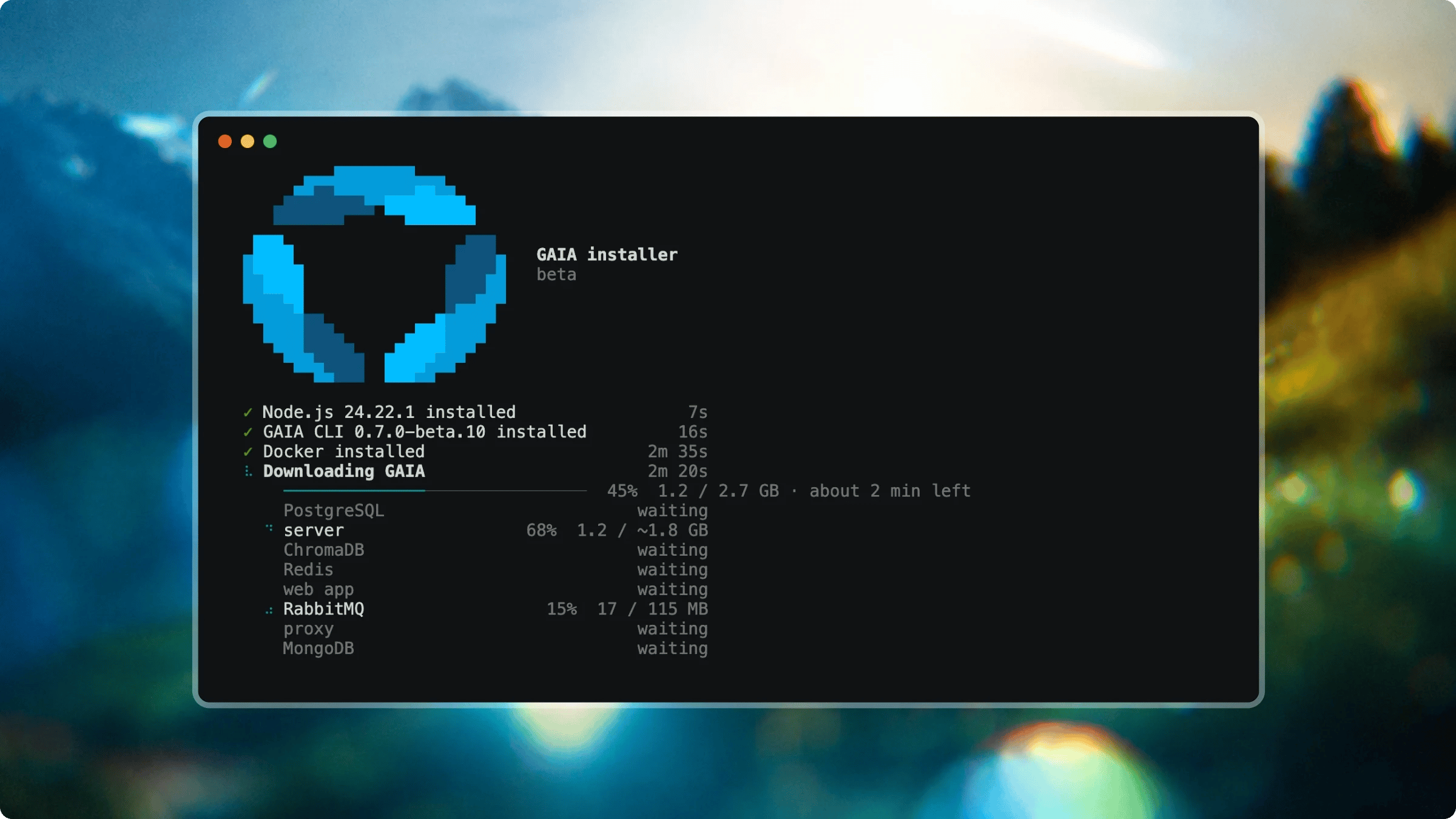
Run GAIA on your own machine with one command
| COMMAND | DESCRIPTION |
|---|---|
gaia up | Install GAIA and start it (or resume an earlier run) |
gaia status | Show whether GAIA is running and healthy |
gaia doctor | Find problems with your install and how to fix them |
gaia update | Move GAIA to a newer release (keeps your data and settings) |
gaia backup | Save GAIA's data and settings to a folder |
gaia restore | Bring back GAIA's data and settings from a backup |
gaia logs | Show GAIA's logs as they happen |
gaia stop | Stop GAIA (your data is kept) |
gaia start | Start GAIA again after 'gaia stop' |
gaia uninstall | Remove GAIA from this computer (asks before deleting your data) |
gaia --help | Display help and all available commands |